
Egocentric capture validation is the process of checking whether a recorded human demonstration can be paired, timed, decoded and replayed by the intended data pipeline. For robot-training data collection, this means verifying stereo images, IMU timing and recording continuity before deploying additional capture rigs.
A wearable camera can record clear video and still produce data that your robot-learning pipeline cannot use. For companies building human-demonstration capture devices, the purchasing question is not simply “Does the camera work?” It is “Can our software reliably interpret what this device records?”
Before ordering cameras for multiple rigs or collection teams, validate one complete recording through your actual workflow.
Record a representative activity: picking up parts, using a tool, sorting objects or assembling a small component. Include normal head or body movement, brief pauses and changes in viewing direction.
Then review the saved data—not only the live camera window.
| Check | Why It Matters Before Scaling |
|---|---|
| Left/right frame pairing | Your software must identify corresponding stereo images throughout the take. |
| Image and IMU timestamps | Device-motion samples must be associated with the correct image timeline. |
| Motion clarity | Fine hand and object details must remain usable under your lighting and exposure settings. |
| Recording continuity | Missing frames, timestamp gaps and restart behavior must be detectable. |
| Export and replay | Another workstation should be able to reopen and interpret the recording consistently. |
A timestamp alone is not enough. Your team also needs its units, reference point, relationship to exposure and behavior after a device restart.
Capture-hardware suppliers, device builders and dataset teams may use different definitions of “working.”
Agree on a small acceptance checklist before the pilot: required image mode, acceptable interruptions, timestamp decoding, calibration needs and the file structure your processing software expects.
Hardware-synchronized cameras do not automatically provide calibrated depth or camera pose. An integrated IMU does not automatically provide hand tracking. Define which outputs come from the hardware and which your software must calculate.
Once the complete take passes, record the approved lens, focus, mounting, firmware, SDK version and calibration procedure. Treat later changes as configuration changes requiring review.
This makes purchasing decisions depend on demonstrated data usability rather than a successful preview.
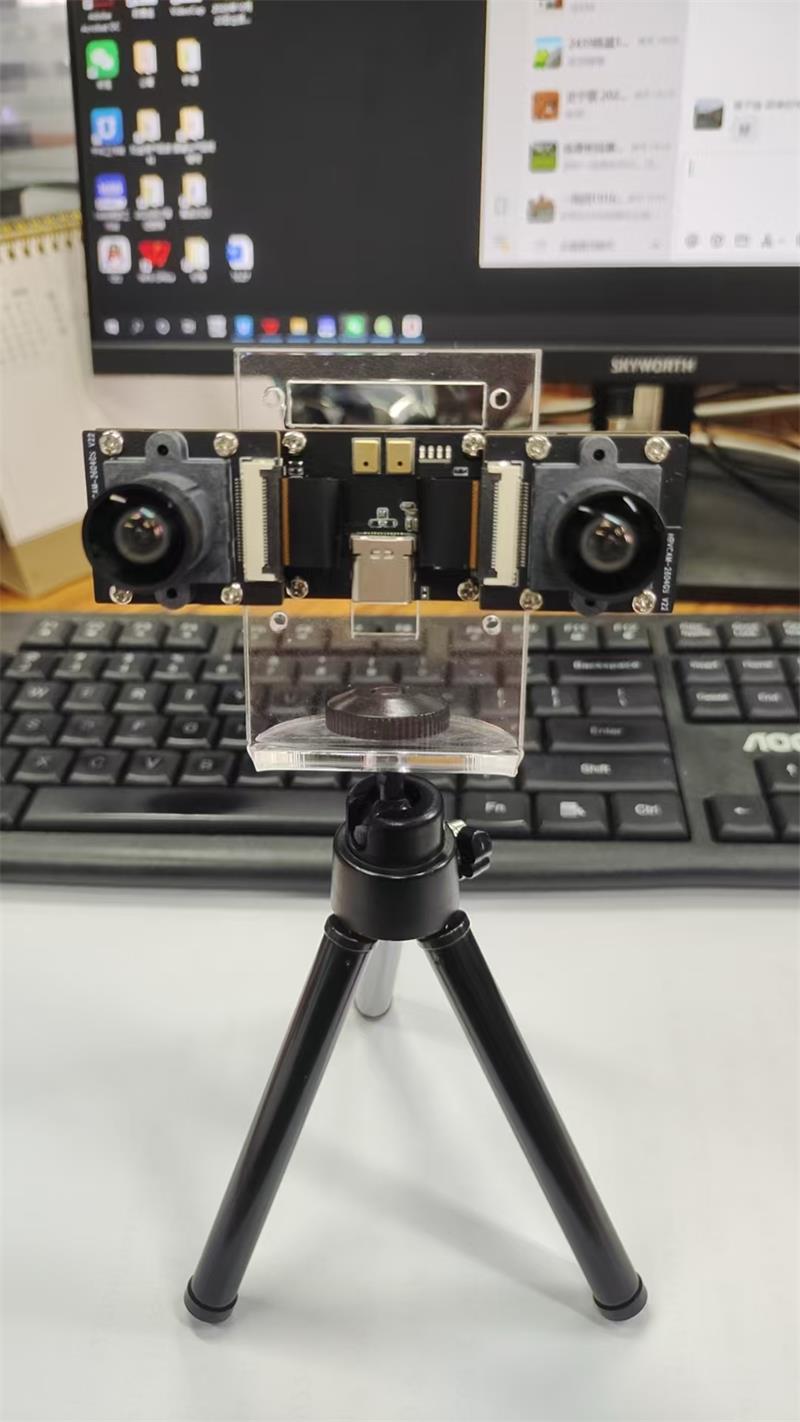
The Goobuy UC-AR0234-dual-imu stereo USB camera is an evaluation option for teams requiring synchronized color global-shutter images and timestamped IMU data. It supplies capture hardware and an available Linux SDK; recording software, dataset processing and application validation remain with the customer.
If your workflow only needs ordinary wearable video, a simpler USB camera may be sufficient. If synchronized stereo and motion data are essential, start with a paid sample and validate one complete take before scaling.
Follow Me
Address:A615, 6F, Huachuangda Building, No107 Xinghua 1st Road, 43 District, Xinan street, Baoan, shenzhen, China 518101